

Why a menu item or a button shows a lock
A lock in the admin panel means your admin role does not include that area or action. See what a lock tells you and whom to ask.
A lock means your admin role does not include that area or that action. The area or button stays visible so you know it exists. To use it, ask your manager or the club owner to add the permission to your admin role.
What does a lock in the menu mean?
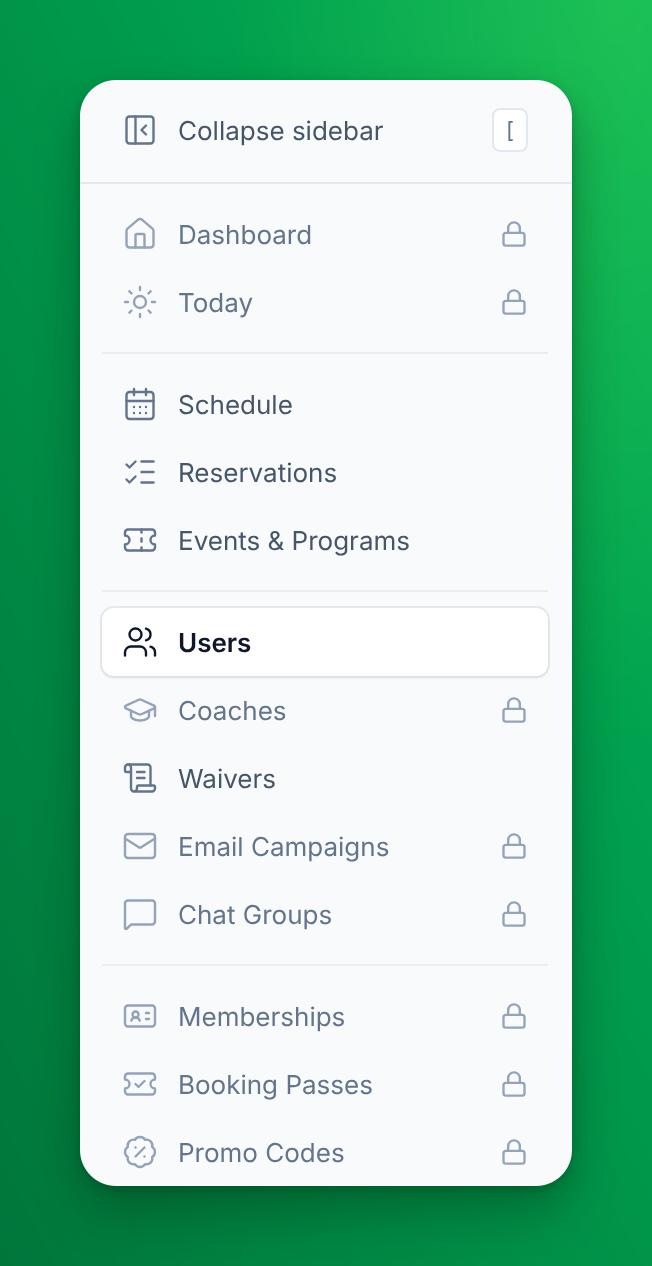
An area your role cannot open shows in the menu in grey, with a lock at the right. It stays in its usual place, so your menu matches the screenshots in this Help Center and your colleagues' screens. When the menu shows icons only, the lock is a small badge on the icon.
Tap a locked item to see which permission it needs.
What happens when you open a locked area?
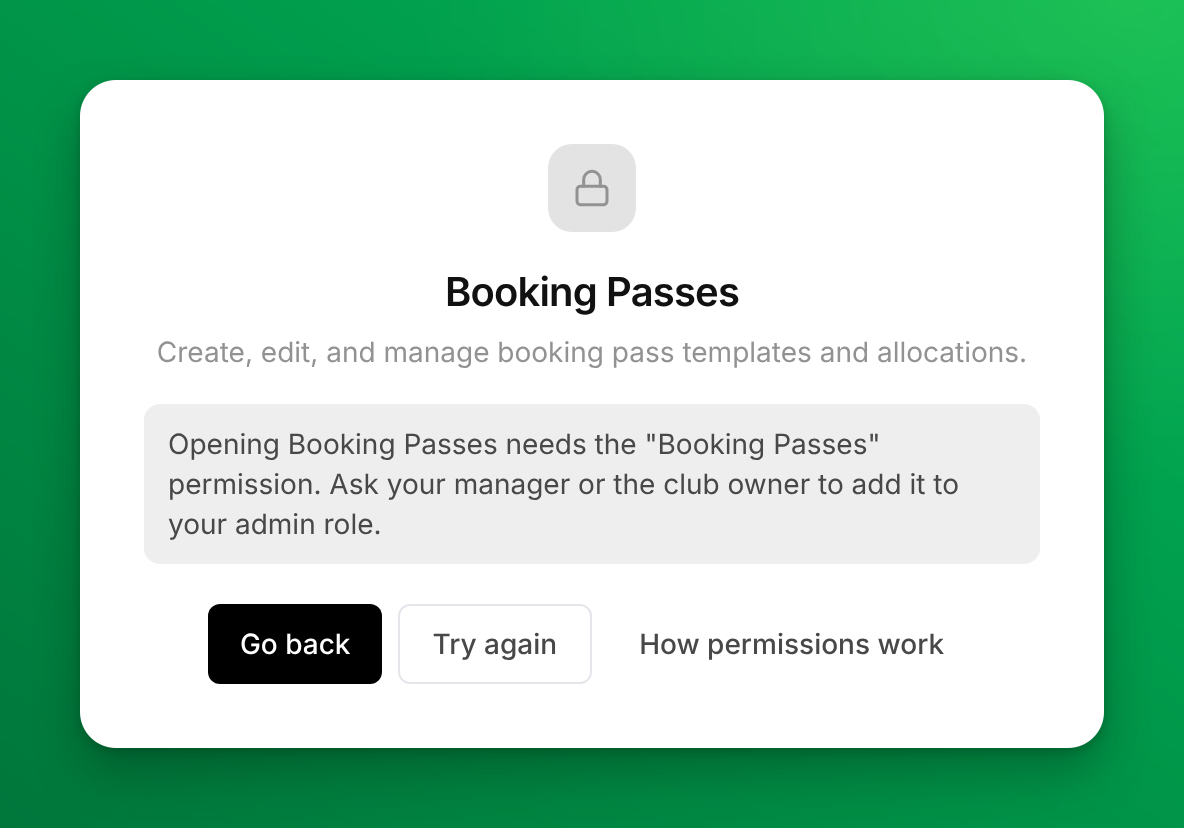
A page names the area, says what it is for, and names the permission your role needs. Nothing from the area loads. The same page shows when you open a locked area from a bookmark or from a link a colleague sent you.
- Go back returns you to the page you came from.
- Try again opens the area again. Use it after someone adds the permission to your role.
What does a lock on a button mean?
Some buttons show a lock too, for example Assign Membership or Freeze for a role that can view memberships but not sell them. Tap the button to see which permission it needs. The button does not open a form, so you never fill one in that you cannot save.
Can I hide the locked items?
No. Locked items always stay in the menu, so your menu matches your colleagues' menus and the screenshots in this Help Center. They are grey and never highlight, so the areas you can open stand out.
To get to an area quickly, use search (⌘K or Ctrl+K). Search shows a locked area with a lock and the permission it needs.
Who can add a permission to my role?
Your manager or the club owner, or anyone at your club whose role can manage admin roles. They change your role in Settings → Admin Team → Roles & Permissions.
If something goes wrong
- Someone added the permission, but the lock is still there — Reload the page. If the lock stays, ask them to check that they changed the role you have in Settings → Admin Team → Team Members.
- An area from this Help Center is not in your menu at all, not even with a lock — Your club has not turned that feature on. Ask the club owner, or email support@getopencourt.com with your club's name.