POS & Products
Managing Categories
You can easily organize your products in OpenCourt by creating categories such as Beverages, Merch, or Gear. Here’s how to add a new category and assign products to it.
🛠 Step 1: Go to the Products Page
- From the left-hand menu, click Products.
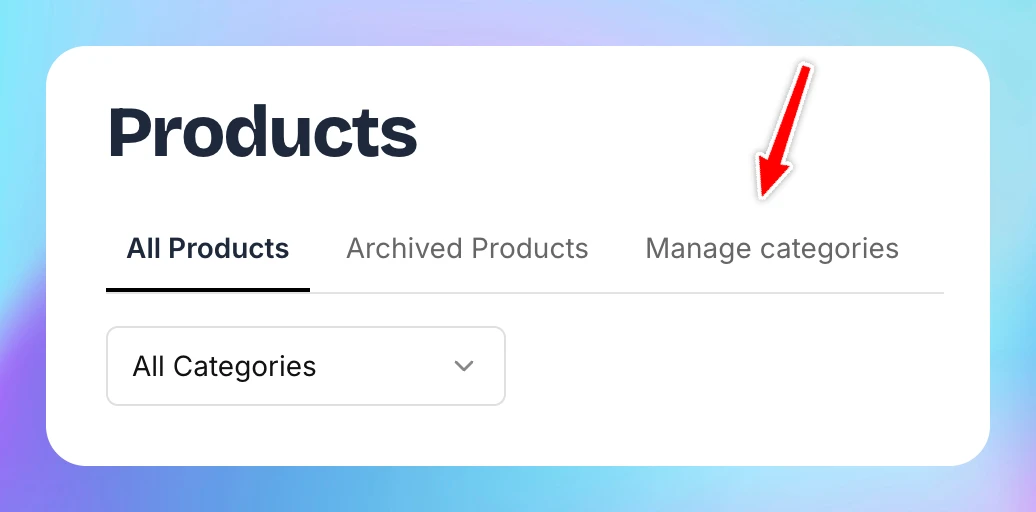
- You’ll see three tabs at the top of the page.
🗂 Step 2: Add a New Category
-
Click the Manage Categories tab.
-
Click the Add New Category button.
-
Enter the name of your new category (e.g., Beverages, Merch, Gear).
-
Click Submit.
You can create as many categories as needed to organize your items (e.g., Branded T-Shirts under Merch, or Paddles under Gear).
To add products by some category follow instructions here.
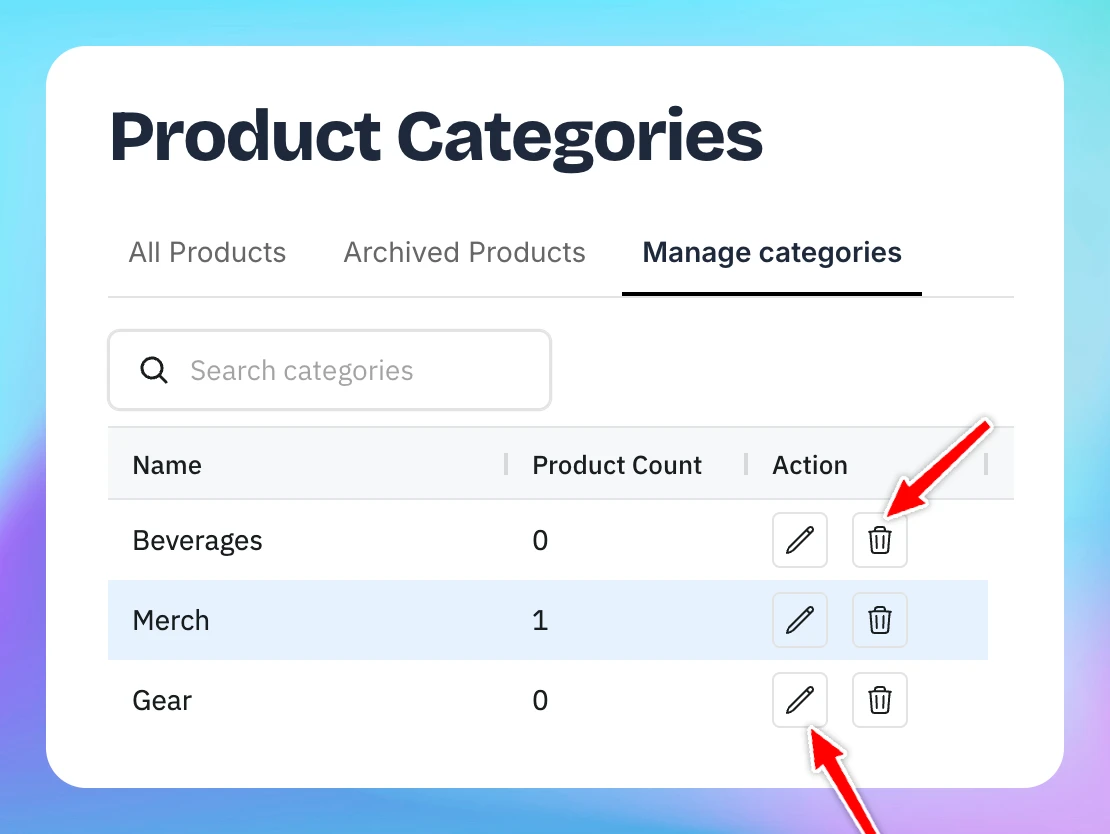
You can also delete or edit categories by clicking corresponding icon